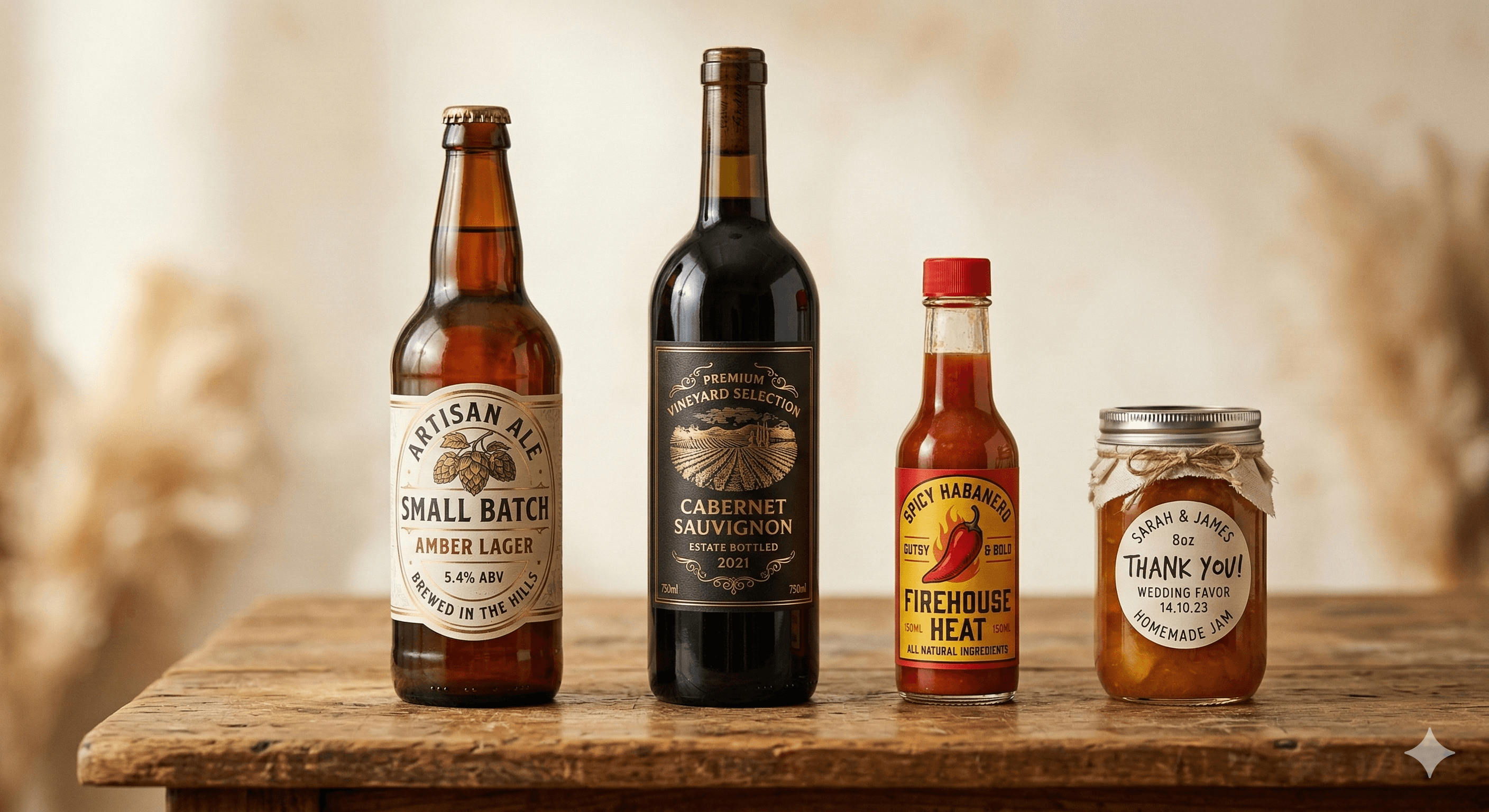
Practical label workshop
Measure first. Make a label that fits.
Find the right starting size, check it against the container in your hand, then design and print your label for free.
- Manufacturer dimensions named
- Uncertainty explained
- Plain-paper proof encouraged
Start with the container
The volume on the bottle does not tell you the label size.
Shoulder shape, panel height, circumference, and seams all change what fits. These guides use named manufacturer examples, then show you how to verify your own container.
Workshop references
From measurement to the first paper proof.
A free side tool
Sketch it, preview it, print it.
Once you know the size, use the browser designer to try a template, change the words and colors, and see the result on a bottle. Download the label or arrange copies on a print sheet, with no account or design fee.
Open the free label designer- 01Choose a measured sizeStart from the straight-sided area you verified on the container.
- 02Design and previewEdit in your browser and check the label on a bottle mockup.
- 03Download or printSave the label image or create an actual-size sheet for home printing.
Buying blank stock comes last.
Printer type, adhesive, moisture, and sheet layout all matter. We only place paid product options after the useful instructions, with the exact variant and manufacturer evidence shown separately.